LED Driver Replacement Guide
Replacing a Jing Neng or JNLED LED driver? Start with the model number on the old unit. Use the comparison below to find the matching product and open its manufacturer label.
What to check on your existing driver
- Model number. Copy the full number, including any suffix. Take a clear photo of the label and connectors.
- Input and output. Compare the supply voltage and whether it is AC or DC. Check the output voltage or range, output current, and whether the driver is constant-current or constant-voltage.
- Control and connections. Match the dimming method, wiring and connector for your fixture. Two models with the same current rating can have different controls or voltage requirements.
Compare JNLED models
Select a model to see its product page. Open its label to check the full ratings, including the output voltage.
Scroll the table sideways to see all columns.
| Model | Input voltage | Output current | Dimming or control | Manufacturer label |
|---|---|---|---|---|
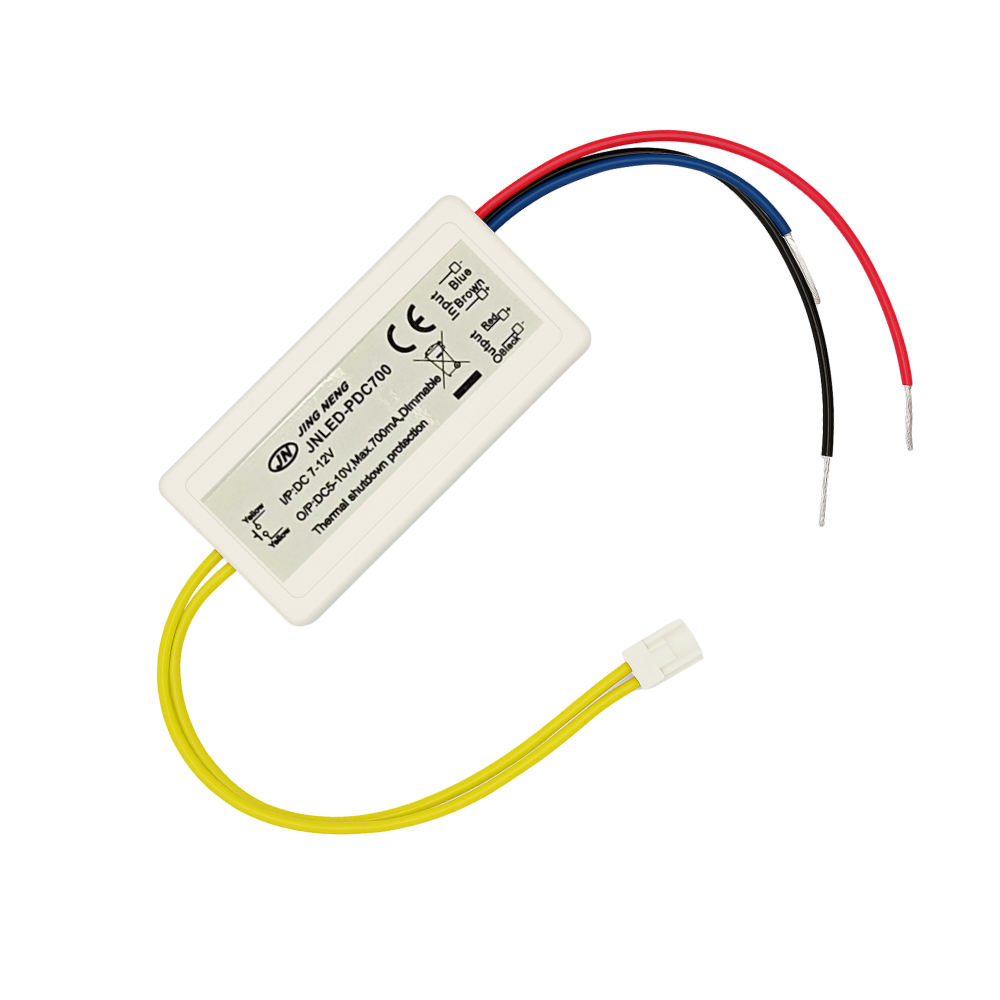
| JNLED-PDC700 | 7–12 V DC | 700 mA max. | Push button | View JNLED-PDC700 label |
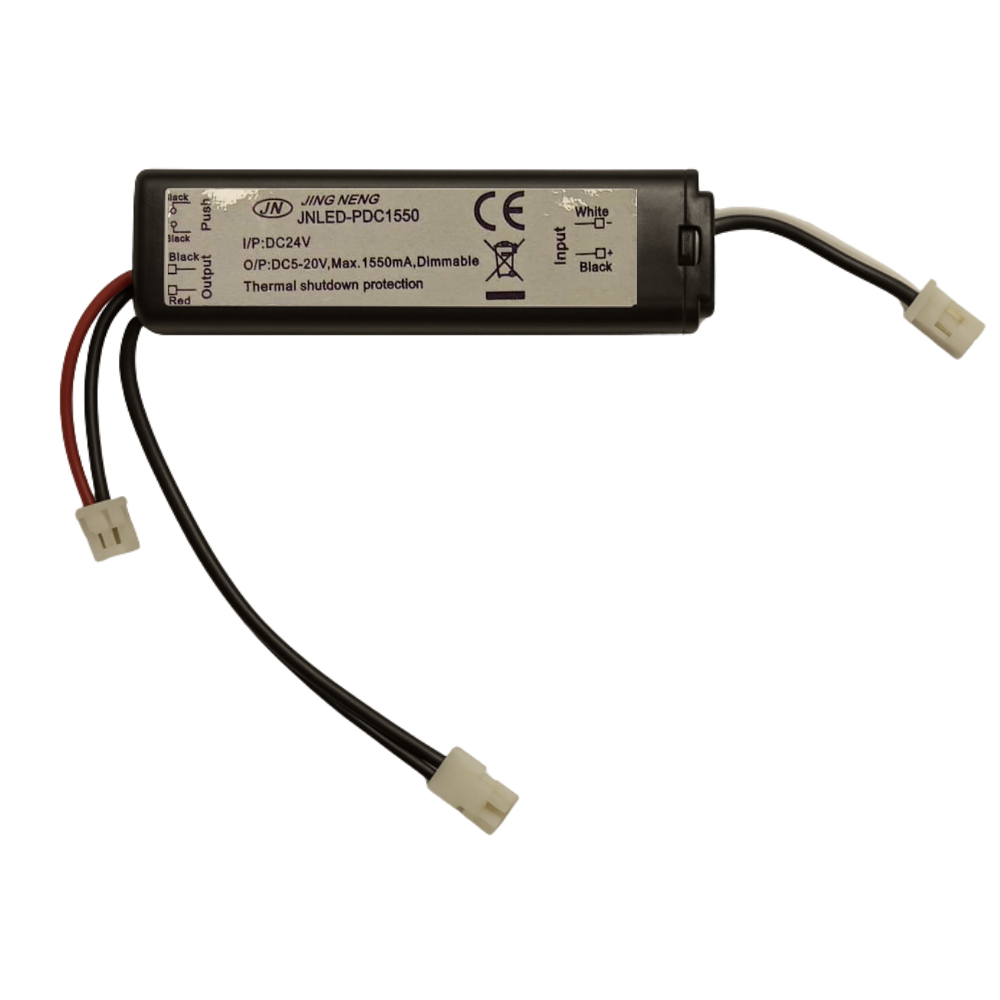
| JNLED-PDC1550 | 24 V DC | 1,550 mA max. | Push button | View JNLED-PDC1550 label |
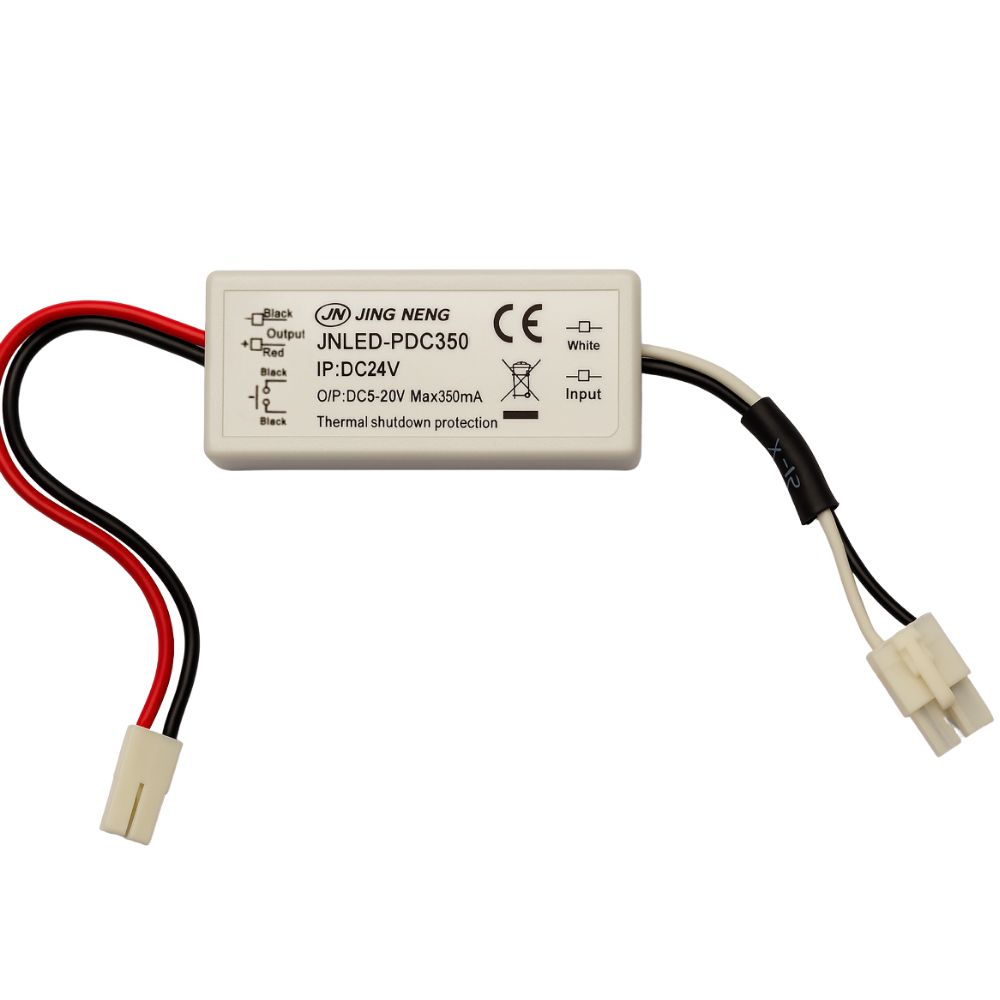
| JNLED-PDC350 | 24 V DC | 350 mA max. | Push switch | View JNLED-PDC350 label |
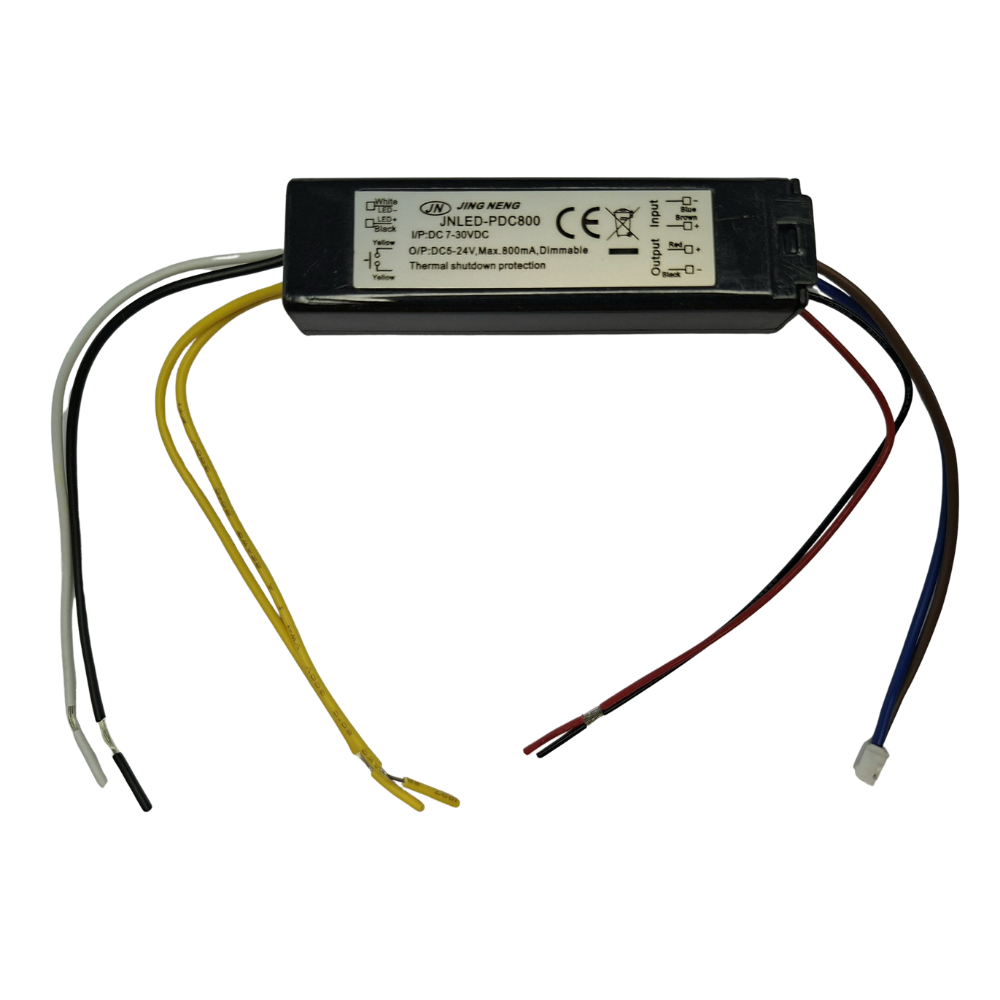
| JNLED-PDC800 | 7–30 V DC | 800 mA max. | Push switch | View JNLED-PDC800 label |
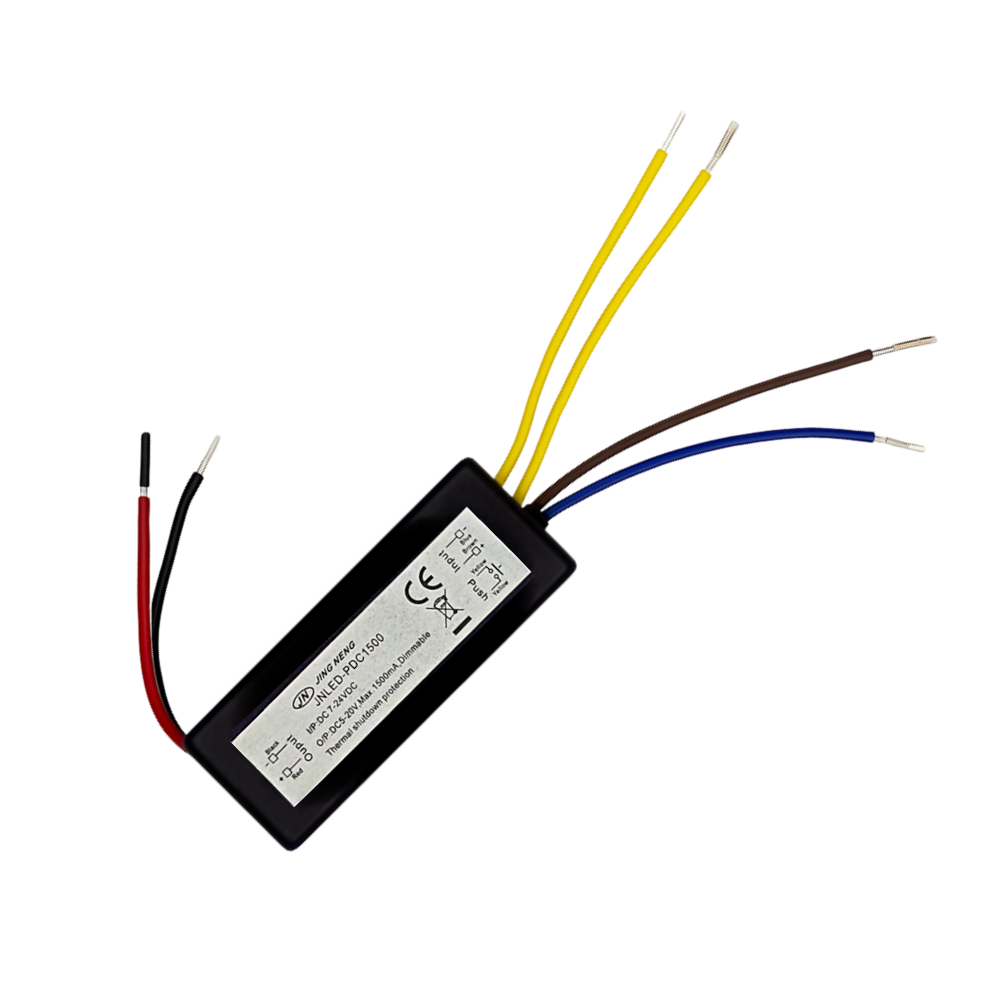
| JNLED-PDC1500 | 7–24 V DC | 1,500 mA max. | Push button | View JNLED-PDC1500 label |
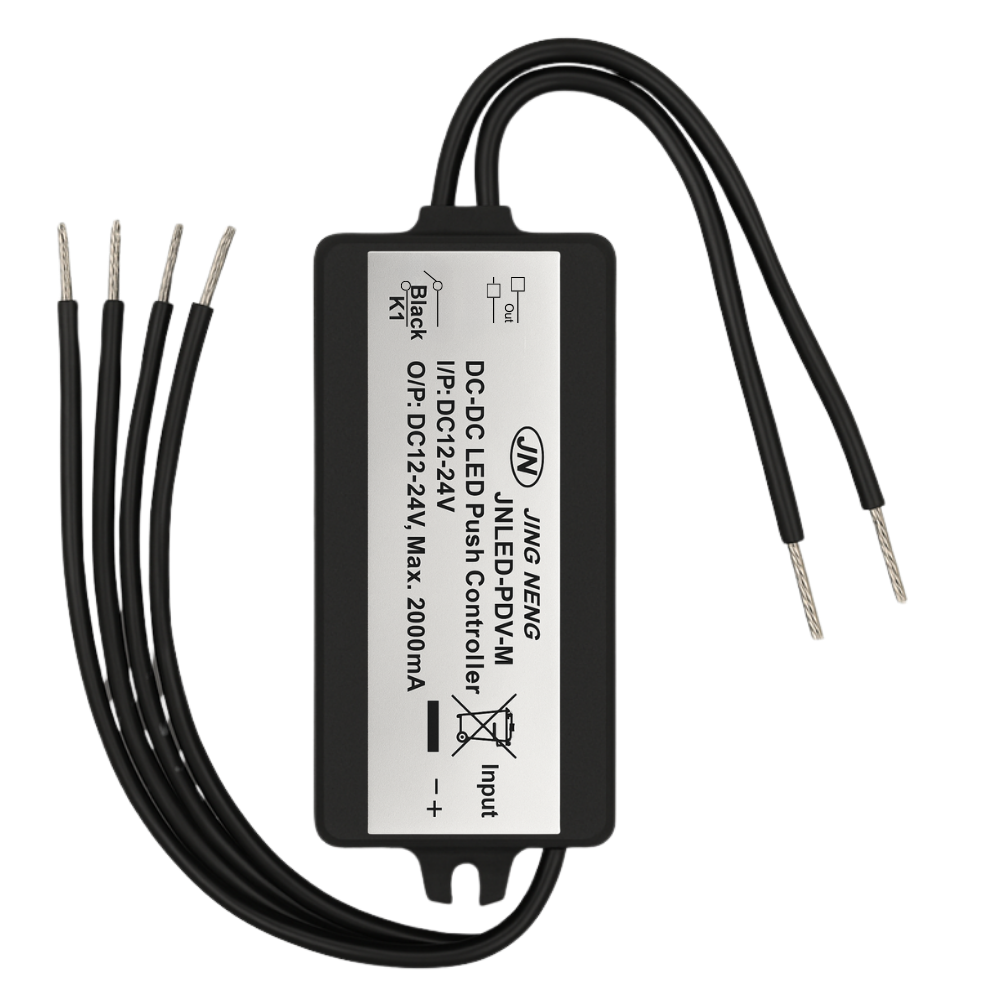
| JNLED-PDV-M | 12–24 V DC | 2,000 mA max. | DC-to-DC push controller | View JNLED-PDV-M label |
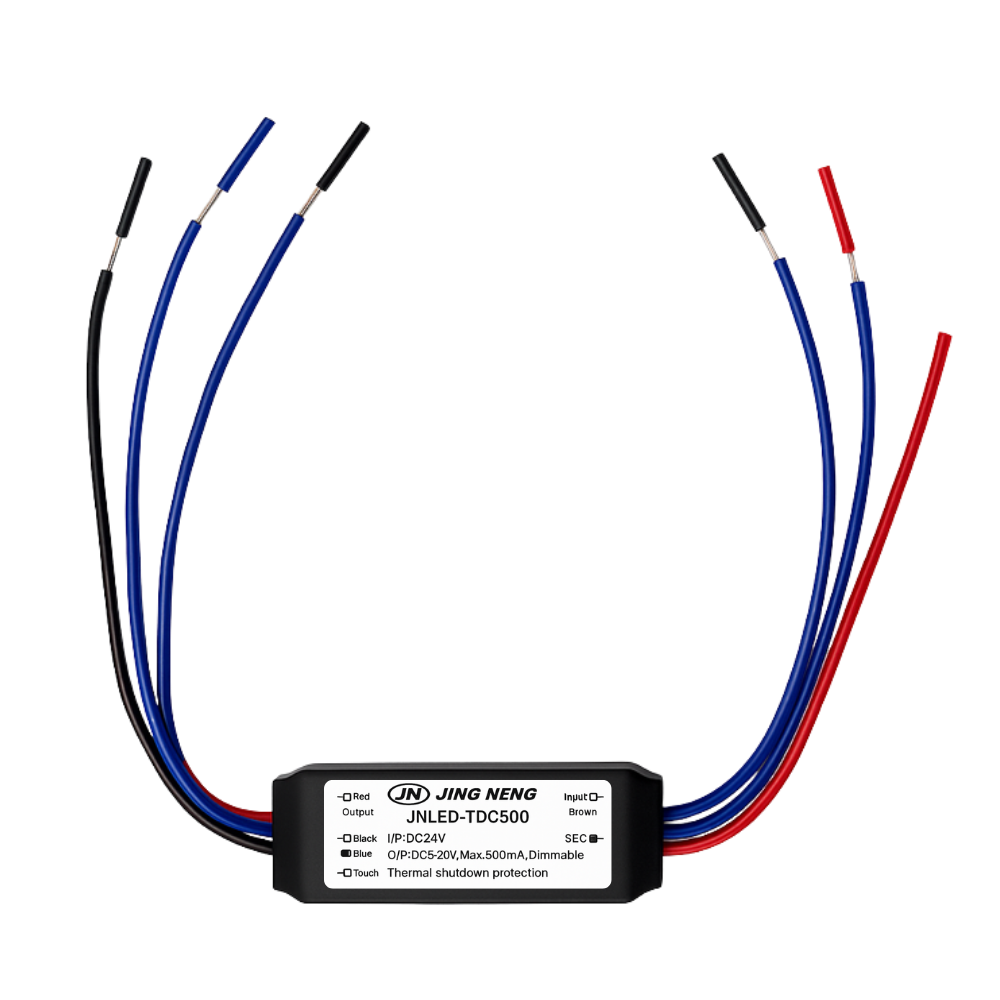
| JNLED-TDC500 | 24 V DC | 500 mA max. | Touch | View JNLED-TDC500 label |
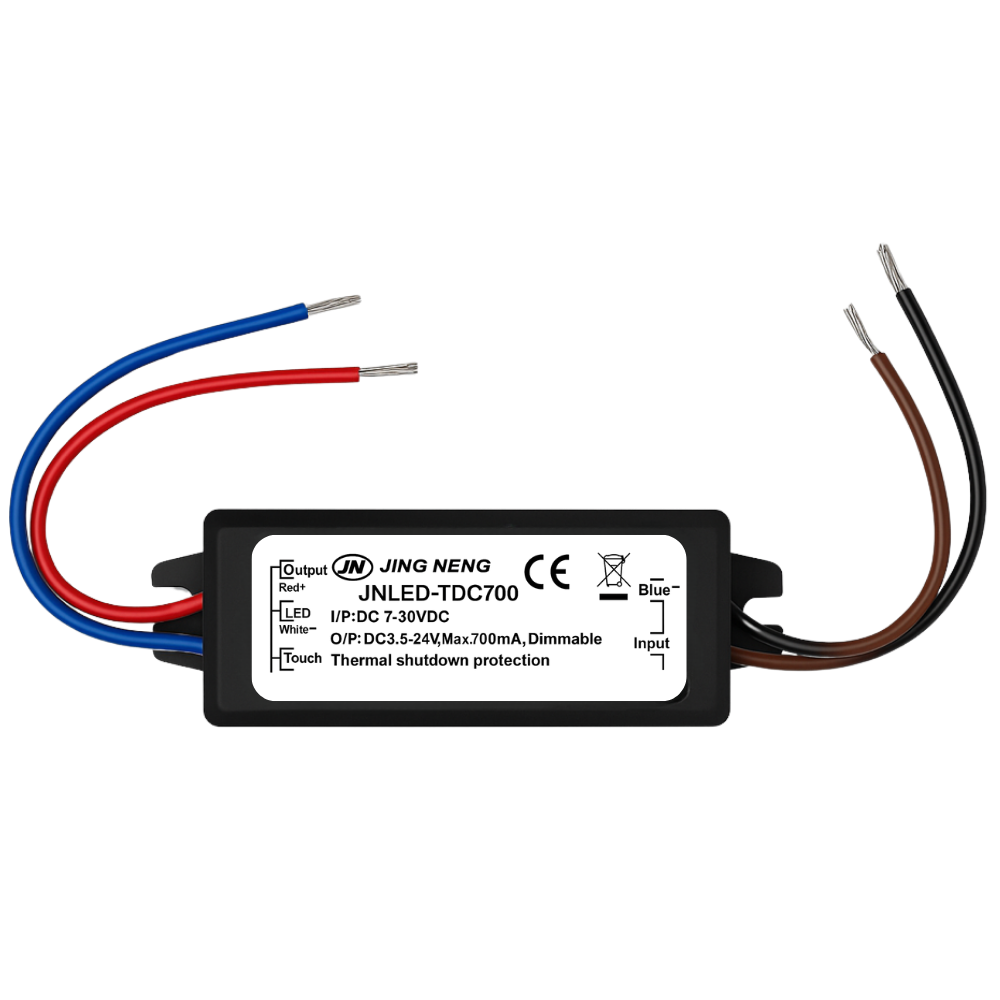
| JNLED-TDC700 | 7–30 V DC | 700 mA max. | Touch | View JNLED-TDC700 label |
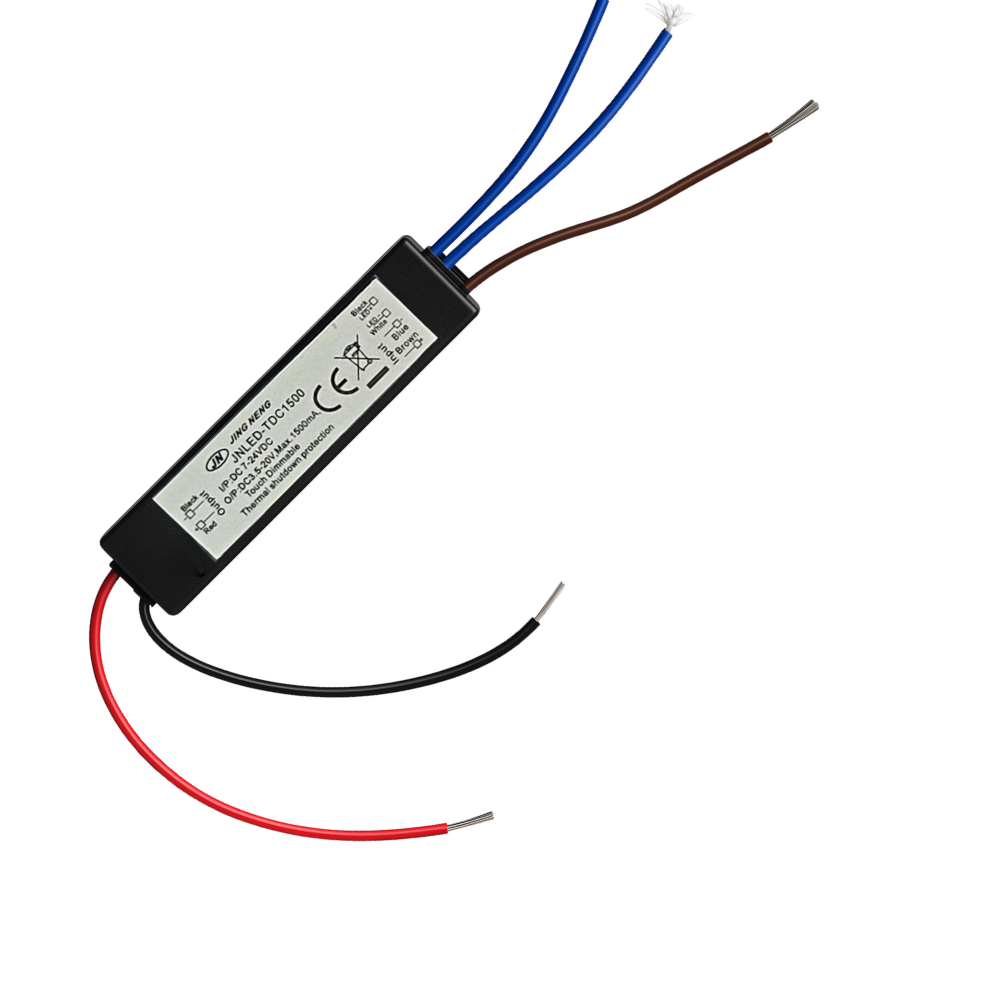
| JNLED-TDC1500 | 7–24 V DC | 1,500 mA max. | Touch | View JNLED-TDC1500 label |
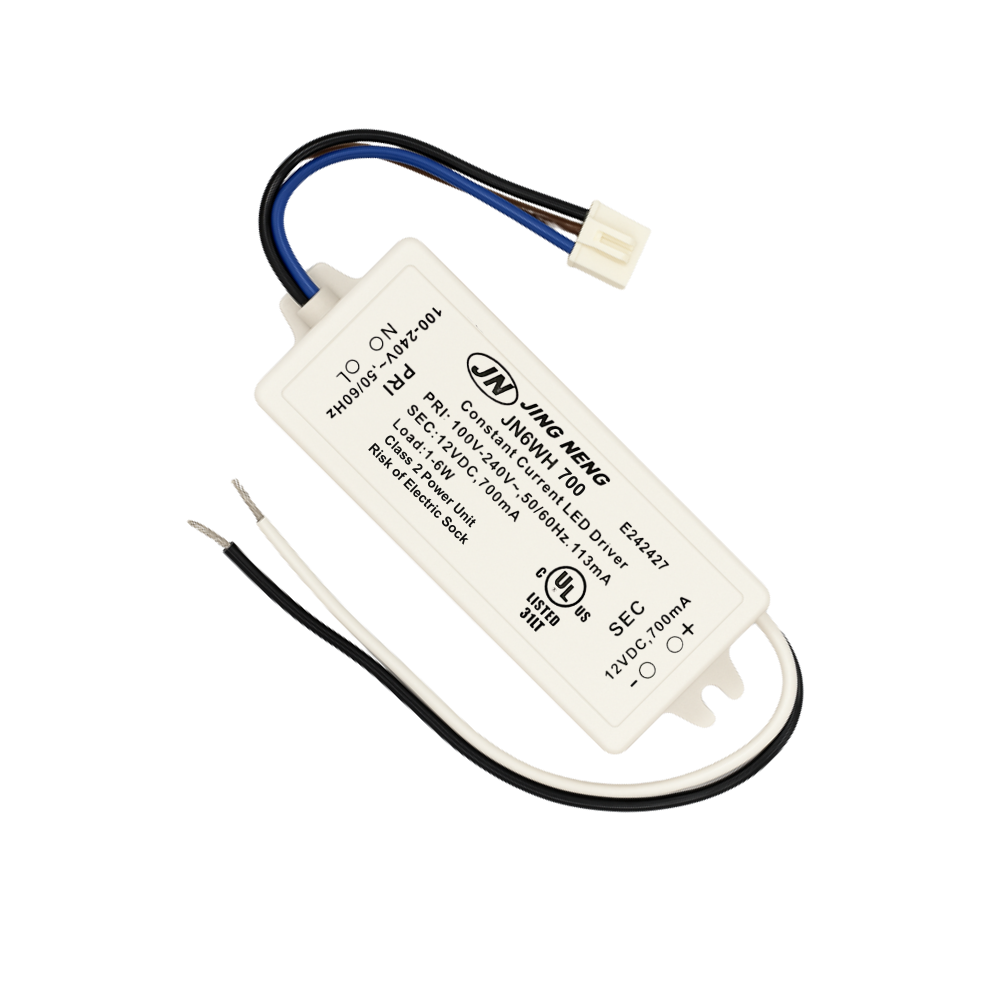
| JN6WH 700 | 100–240 V AC, 50/60 Hz | 700 mA rated | Dimming capability to confirm | View JN6WH 700 label |
Can’t find your model?
Ask about a replacement. Tell us the model number if you know it, how many you need and where they should go.